
Data Science Practicum Portfolio
Applied projects and professional portfolios from graduate students in MSDS 692 and MSDS 696 at the Anderson College of Business and Computing.
- Student portfolios
- —
- Practicum projects
- —
- Semesters
- —
- Showcasing since
- 2023
From question to results
-
MSDS 692
Practicum I: build it
Scope a real-world problem, prepare the data and deliver a first working model.
-
MSDS 696
Practicum II: go further
Take on a more advanced project, often extending Practicum I, and present it to faculty and peers.
-
Portfolio
Publish it
Report, slides, code and a profile on this site, with experience, other projects and certifications.
Spotlight projects
Faculty Choice and Student Choice award winners from each term.
Student portfolios
Search every year and course, or browse by term.
Loading student portfolios…
Meet the faculty
Faculty supervise practicum projects and help students connect their work to research and industry.
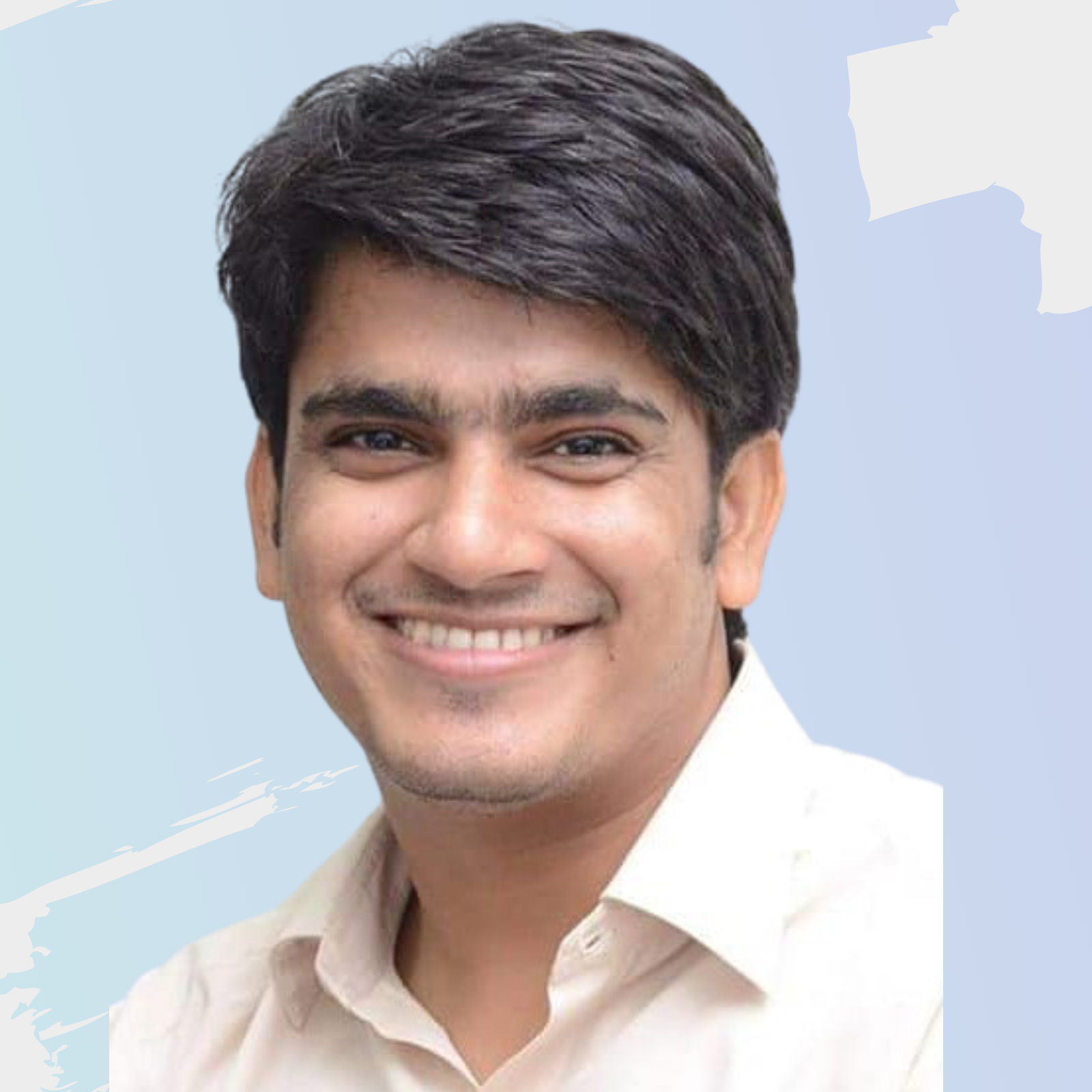
Dr. Ghulam Mujtaba
Assistant Professor
Computer vision, AI and deep learning
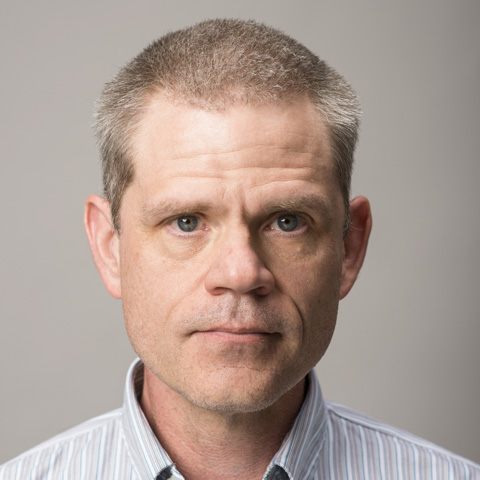
Dr. Mike Busch
Associate Professor
Computational biology and big data

Dr. Ksenia Polson
Assistant Professor
Marketing analytics and consumer behavior
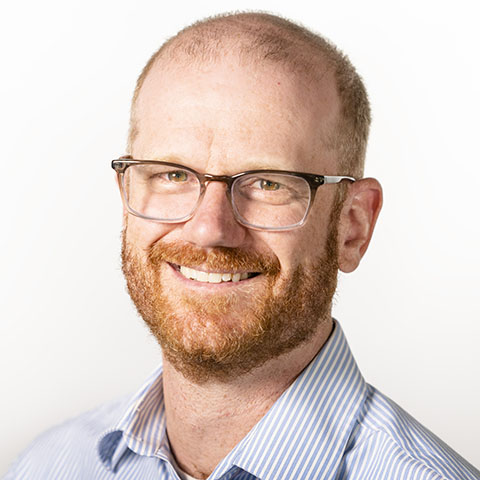
Dr. Kellen Sorauf
Associate Professor
Predictive analytics and visualization
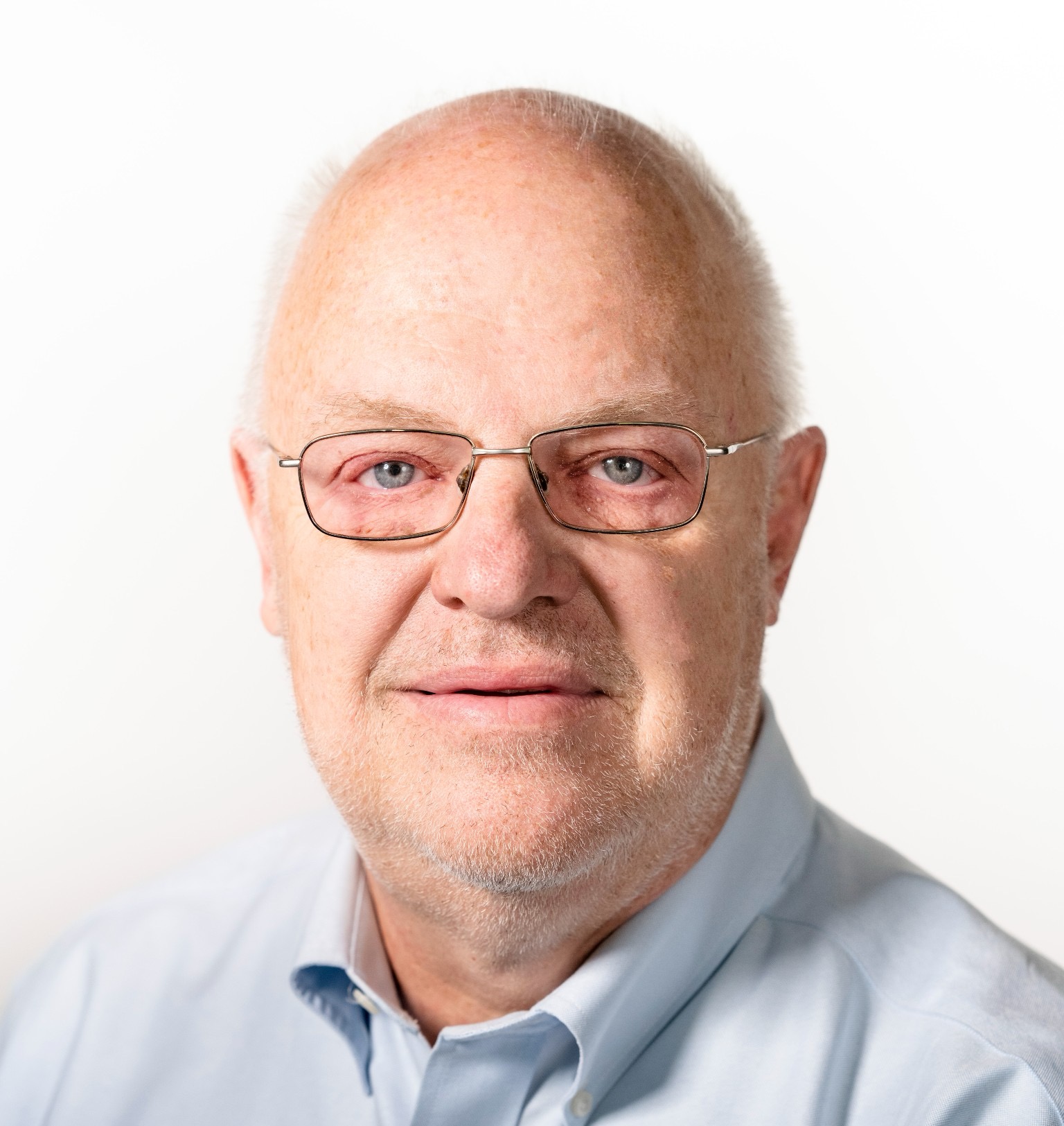
Dr. Doug Hart
Professor
Academic leadership and data mining
Frequently asked questions
Step-by-step help is in the guides.
How do I create or update my portfolio?
Sign in at editor.regisportfolio.com with GitHub, fill in the form and click Save Changes. See the student guide for each step.
I can’t sign in. What should I do?
Set your @regis.edu address as the primary email on your GitHub account (GitHub → Settings → Emails), then try again. If it still fails, ask your instructor to check that you are on the course list.
Can I add more than my practicum projects?
Yes. You can add work experience, projects from other courses or your own work, and certifications.
Why aren’t my changes showing?
Nothing is published until you click Save Changes. Unsaved typing is kept as a draft in your browser and offered back next time. Pages update within a few minutes; then refresh with Ctrl+F5 (Cmd+Shift+R on Mac).
Which files can I upload?
A profile photo (JPG, PNG or WebP, up to 2 MB) is required. Reports, slides and CV are PDFs up to 10 MB each.
Is my portfolio public? Can it be removed?
Yes, everything on your profile is public. To remove it, contact your instructor.
Why isn’t a student listed in the directory?
Students appear automatically once they save a profile with a practicum title and term, and the term has started. If a student is missing, check the term they picked in the editor.
How are spotlight projects chosen?
Each term, standout practicum projects receive the Faculty Choice and Student Choice awards. Winners are featured in the spotlight.
I’m an instructor. How do I set up a new term?
Add students to the sign-in list and add award winners. Students appear in the directory automatically when they save their profile. The instructor guide covers each step.